

Roles and Permissions
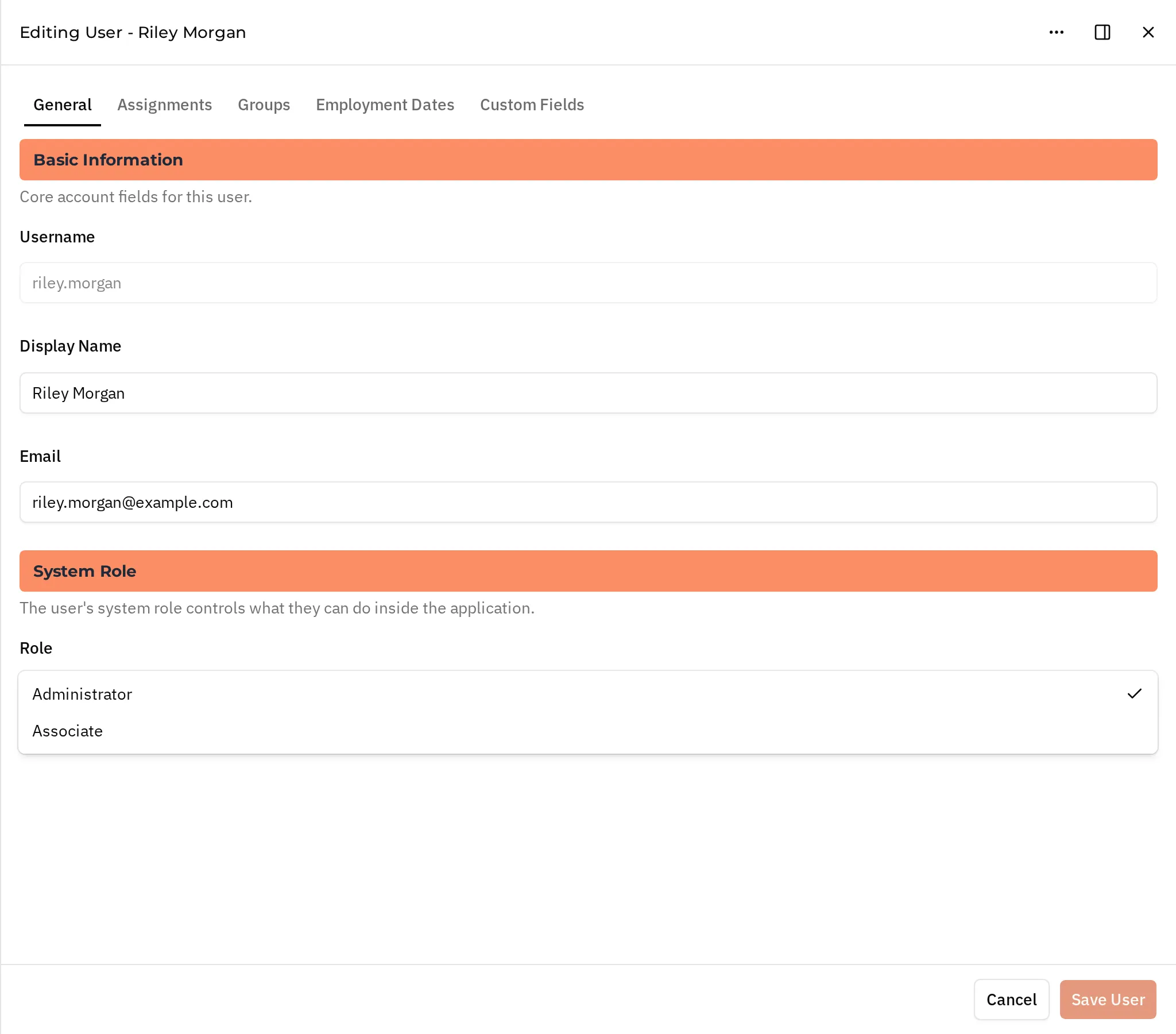
Each user has one system role. The role decides which pages the user can open in the Crewsum app. Set it in the System Role section of the user editor’s General tab.
| Role | Who it is for | API value |
|---|---|---|
| Tenant Admin | The account owner. Has full access, including billing. Cannot be deleted. | tenant-admin |
| Administrator | People who manage the account: clients, projects, users, all timesheets, reports, and settings. | admin |
| Associate | People who log their own time. New users are Associates by default. | assoc |
| Employee | Not offered in the app. See Other role values. | emp |
| No Role | Not offered in the app. See Other role values. | no-role |
When you create or edit a user in the app, the Role select offers Administrator and Associate. The Tenant Admin role is shown but cannot be changed.
What Each Role Can Open
Section titled “What Each Role Can Open”| Area | Tenant Admin | Administrator | Associate | Employee, No Role |
|---|---|---|---|---|
| Home and Profile | Yes | Yes | Yes | Yes |
| Time Entry, Your Timesheets, Your Assignments | Yes | No | Yes | No |
| Company Dashboard, All Timesheets, Search Timecards, Submit Time for a User | Yes | Yes | No | No |
| Clients, Contacts, Projects, End Customers, Tasks, Suppliers | Yes | Yes | No | No |
| Users and Groups | Yes | Yes | No | No |
| Reports | Yes | Yes | No | No |
| Admin Settings and Developer (API keys, webhooks) | Yes | Yes | No | No |
| Account Setup, Subscription, Upgrade to Pro | Yes | No | No | No |
| Review Timesheets | If reviewer | If reviewer | If reviewer | If reviewer |
After signing in, Tenant Admins and Administrators land on the Company Dashboard, Associates on Your Timesheets, and other roles on Profile.
Reviewers
Section titled “Reviewers”Review access does not depend on role. A user can open Review Timesheets when they are linked to an internal contact that has an association with an active project. See Reviewing Time.
People who review through an approval link are not Crewsum users and have no role. The secure link gives them access to the timecards it covers.
Other Role Values
Section titled “Other Role Values”The API also accepts emp (Employee) and no-role (No Role) for users. The app does not offer these values. Users with them can only open their Profile in the app, plus Review Timesheets when they are reviewers. In the app’s Role select, these users show no selected role.
API Keys
Section titled “API Keys”API keys do not have a role. Each key has scopes that decide which endpoints it can call. Tenant Admins and Administrators create keys under Developer > API Keys.
Related
Section titled “Related”- Concepts: Users, Reviewing Time, Platform Workflows
- API: Users endpoints (the
rolefield), Scopes - Webhook events: role changes are part of
users.updated