

End Customers
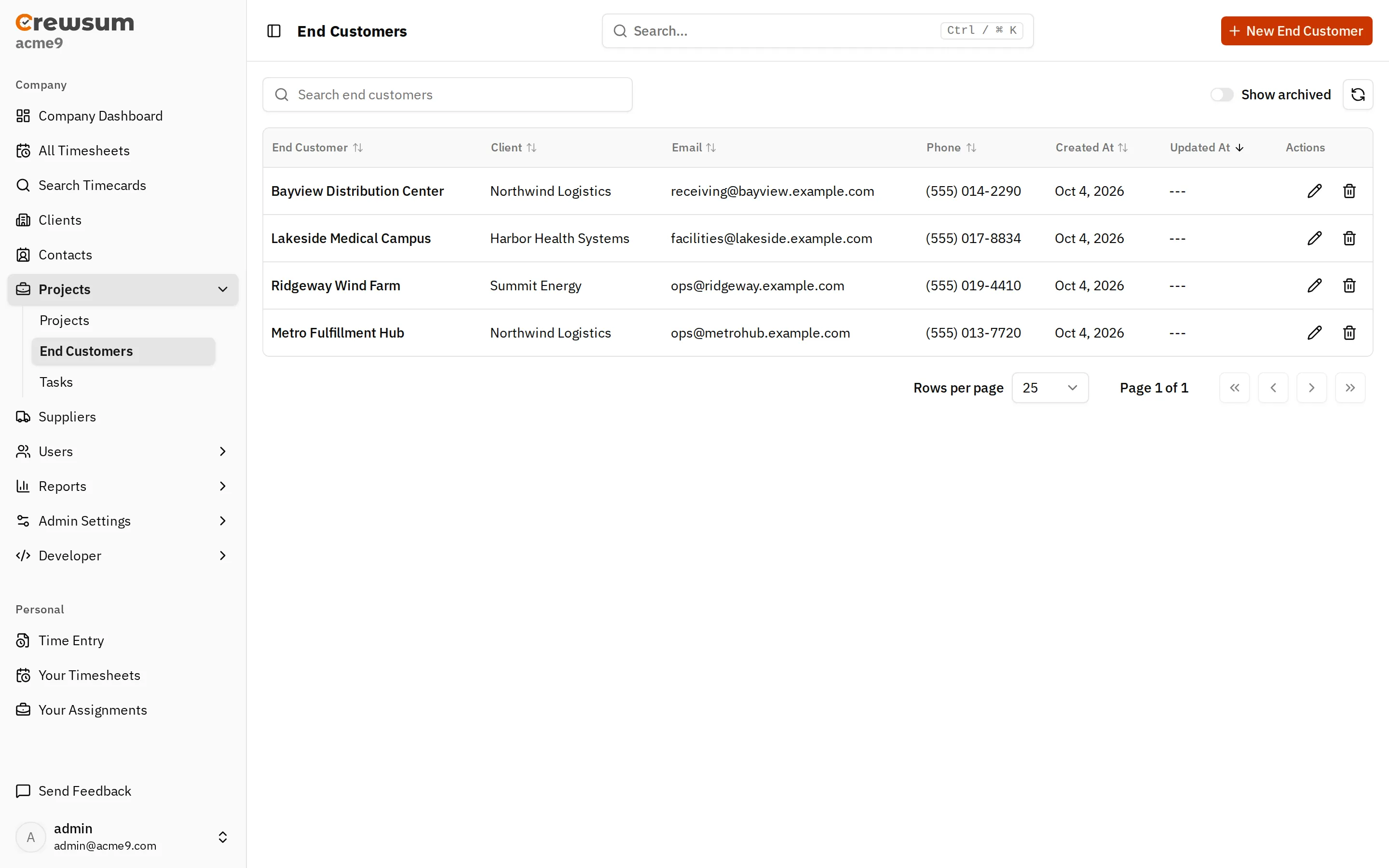
An end customer is your client’s customer: the site, facility, or organization where the work is done. For example, a logistics client can run projects for several distribution centers.
What an End Customer Has
Section titled “What an End Customer Has”- a name (required)
- an optional client
- an optional description, email, phone number, address, and notes
How End Customers Behave
Section titled “How End Customers Behave”- An end customer can belong to one client, or to no client.
- A project can reference one end customer. Many projects can reference the same end customer.
- End customers can be archived.
- Deleting an end customer is a soft delete.
Managing End Customers
Section titled “Managing End Customers”In the app, go to Projects > End Customers. Select New End Customer to add one, or select a row to edit it. To link a project to an end customer, open the project and choose the End Customer on its General tab.
Related
Section titled “Related”- Concepts: Clients, Projects
- API: End Customers endpoints
- Webhook events:
end-customers.created,end-customers.updated,end-customers.deleted