

For workspace admins
Learn how Crewsum models your clients, projects, people, and approvals.
For workspace admins
Learn how Crewsum models your clients, projects, people, and approvals.
For developers
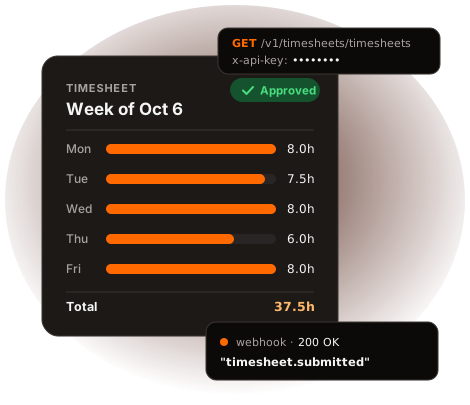
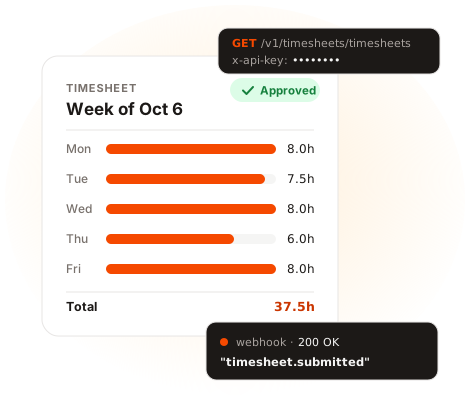
Connect Crewsum to your systems with API keys, the /v1 REST API, and signed webhooks.
Create an API key. In Crewsum, go to Developer → API Keys, create a key, and give it the scopes that you need, for example clients:read. See Create an API key.
Send a request. Put the key in the x-api-key header:
curl https://api.crewsum.com/v1/clients/clients \ -H "x-api-key: $CREWSUM_API_KEY"For the full walkthrough, see Make your first request.
Explore the reference. Each endpoint page shows the required scope, the parameters, and an example response. Browse the API reference.