

Reports
Reports summarize logged hours and who is assigned where. Tenant Admins and Administrators open them from Reports in the app.
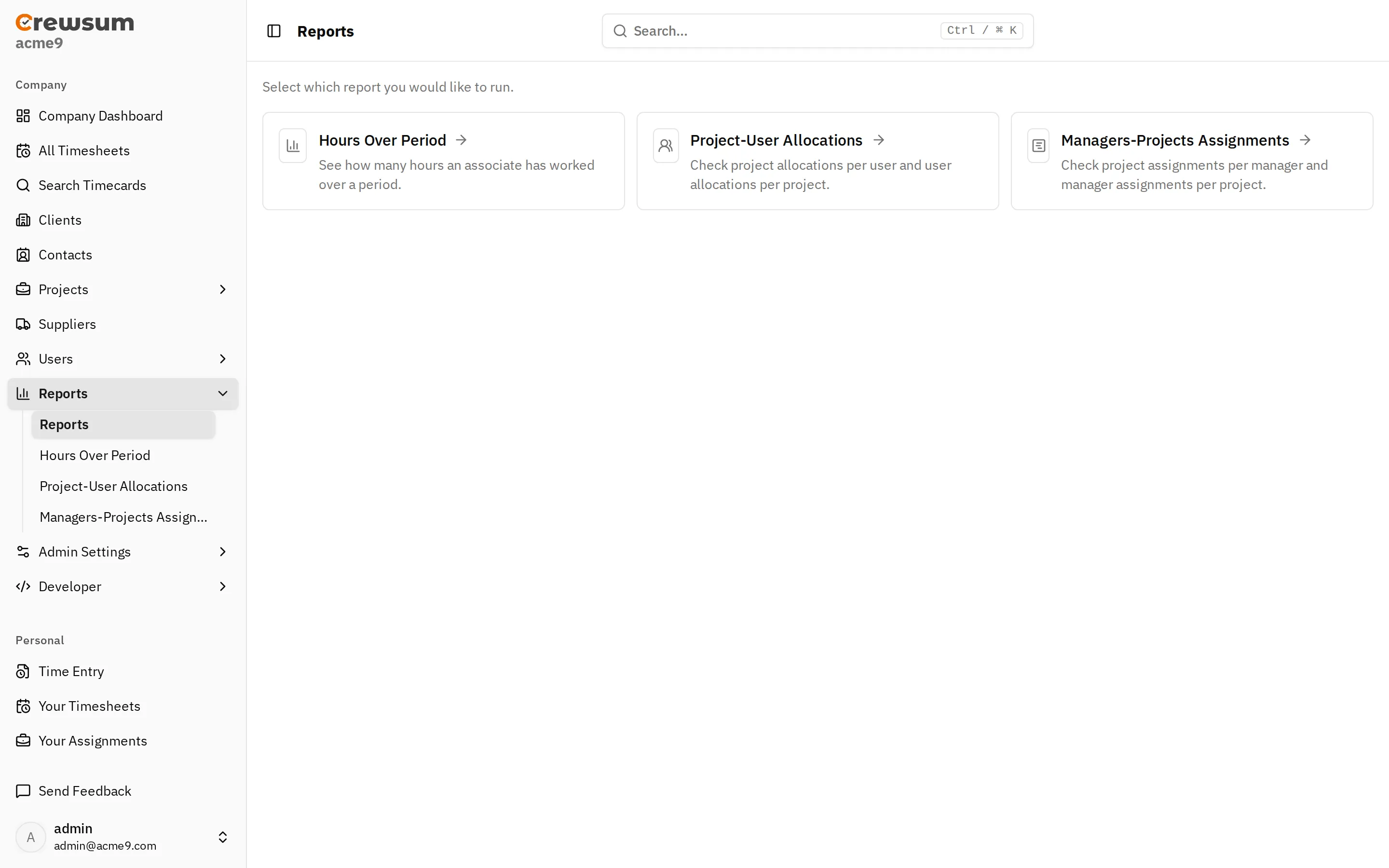
Hours Over Period
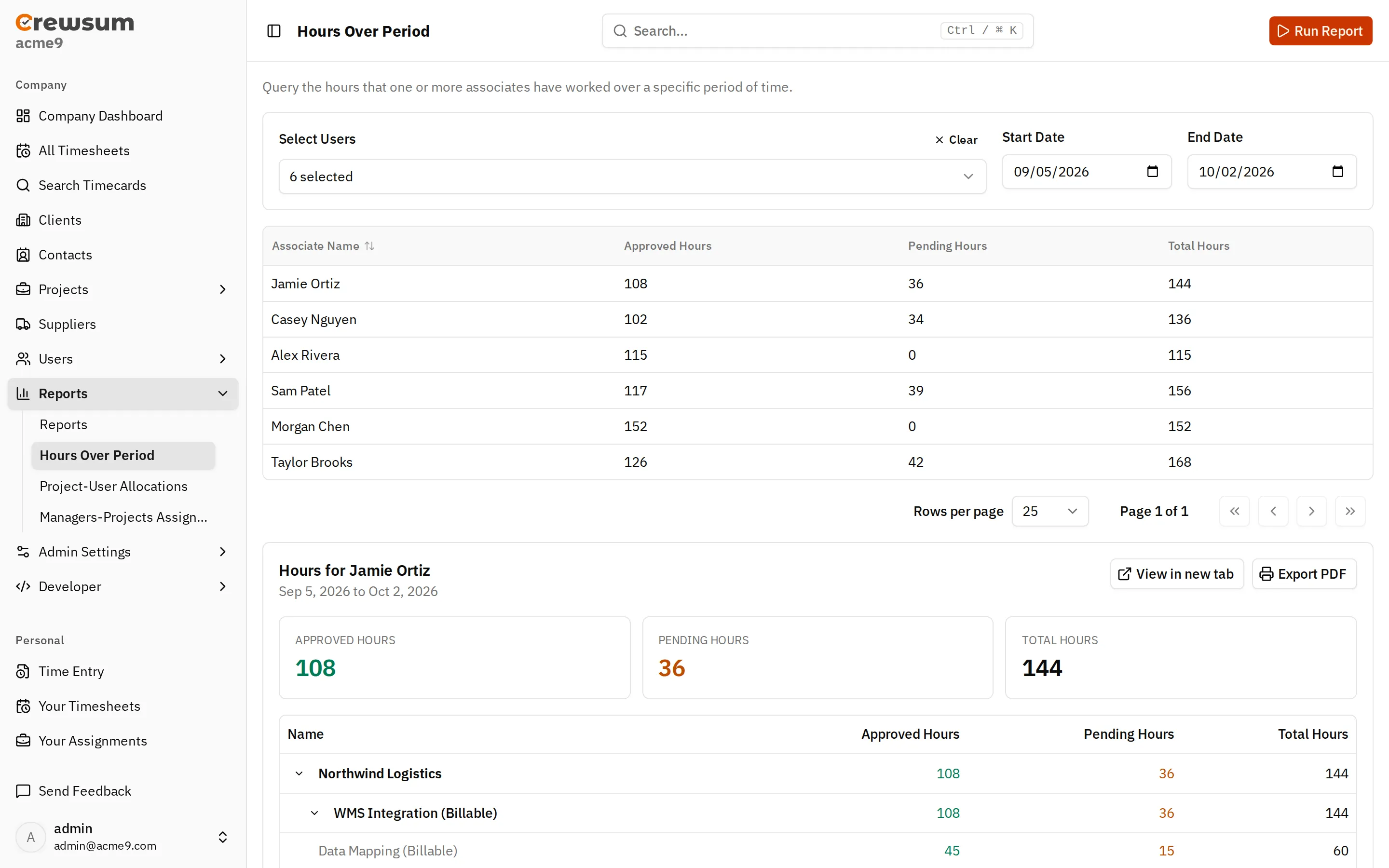
Section titled “Hours Over Period”Shows how many hours one or more associates worked in a date range.
- For each associate, the report shows Approved Hours, Pending Hours, and Total Hours.
- Only
approvedandpendingtimecards count. Draft and rejected hours are not included. - Each associate also has a breakdown by client, project, and task. Use View in new tab to open it on its own page, or Export PDF to save it.
Project-User Allocations
Section titled “Project-User Allocations”Shows which projects each user is assigned to (By User) and which users are assigned to each project (By Project). You can select users and a period, and optionally filter projects.
Managers-Projects Assignments
Section titled “Managers-Projects Assignments”Shows which projects each contact is associated with (By Manager) and which contacts are associated with each project (By Project). Each row includes the association’s contact type and notification level. You can optionally filter managers and projects. See Associations.
Running a Report
Section titled “Running a Report”- Go to Reports and choose a report.
- Set the filters, such as Select Users, Start Date, and End Date.
- Select Run Report.
Related
Section titled “Related”- Concepts: Timecards, Assignments, Associations
- API: Reports endpoints (not yet available)
- Webhook events: reports have no webhook events.